Wednesday, March 13, 2024

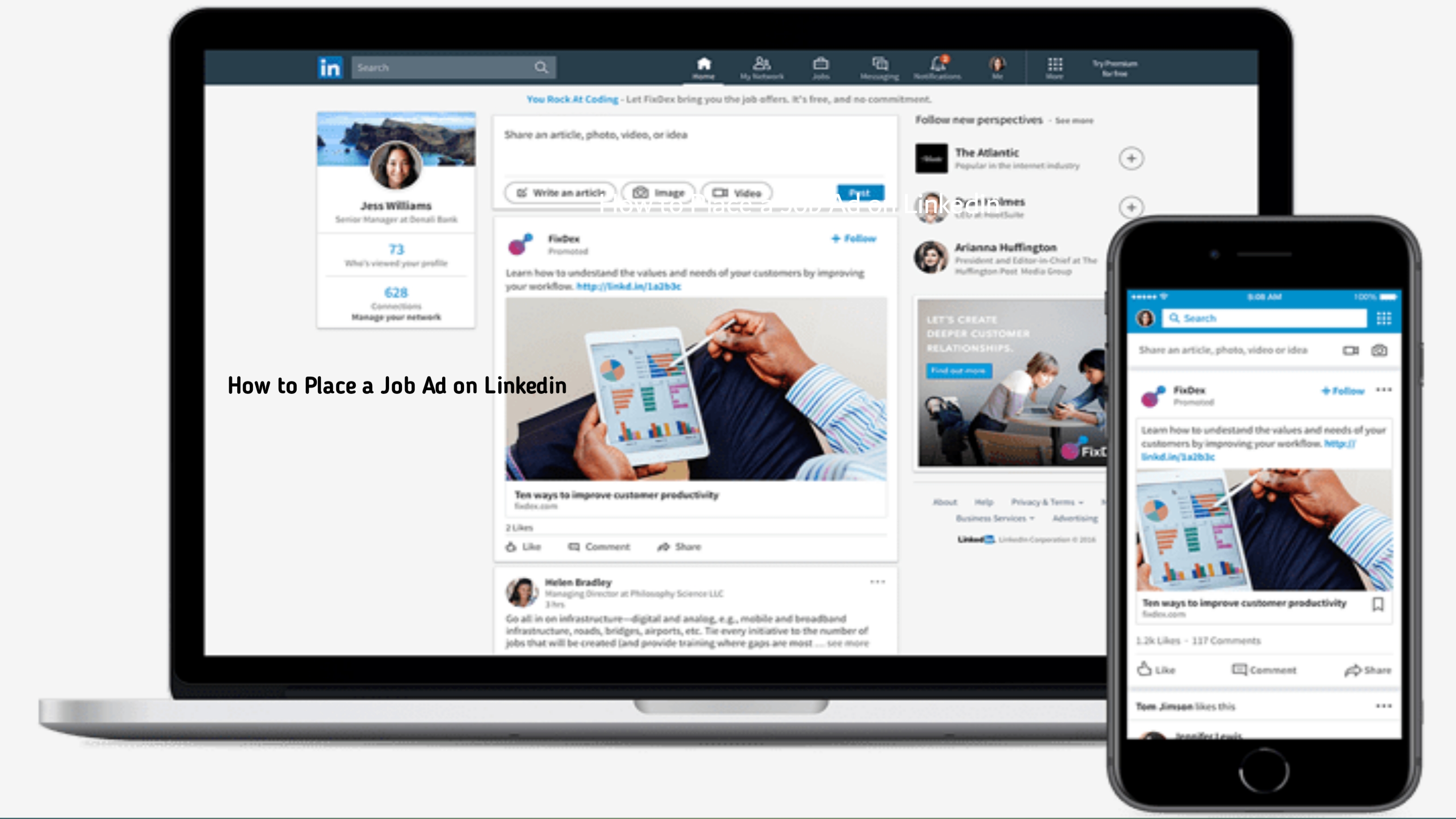
How to Add a Job Posting to Linkedin

How to Add a Job Posting to Linkedin


LinkedIn has become a cornerstone for professional networking and recruitment, offering a wide array of tools for employers to connect with potential candidates. One of the key features of LinkedIn's platform is the ability to post job openings, allowing companies to reach a vast audience of qualified professionals. In this comprehensive guide, we'll walk you through the process of adding a job posting to LinkedIn, covering everything from creating your job post to managing applications.


1. Accessing LinkedIn's Hiring Solutions:

To begin adding a job posting on LinkedIn, you'll need to access LinkedIn's hiring solutions. Log in to your LinkedIn account, and navigate to the "Work" dropdown menu at the top of the page. From there, select "Post a Job" to get started.


2. Creating Your Job Posting:

Once you've accessed LinkedIn's hiring solutions, you'll be prompted to create your job posting. Start by entering the job title and location for your opening. Be sure to choose a title that accurately reflects the position and will attract the attention of potential candidates.


3. Writing a Compelling Job Description:

The job description is your opportunity to showcase the role and entice candidates to apply. Provide a detailed overview of the position, including responsibilities, qualifications, and any other relevant information. Use clear and concise language, and consider including bullet points to make the information easily digestible.


4. Adding Additional Details:

In addition to the job description, you'll have the opportunity to add additional details to your job posting. This may include information about your company, such as its mission, values, and culture, as well as any perks or benefits offered to employees.


5. Setting Your Budget and Duration:

LinkedIn offers different pricing options for job postings, ranging from pay-per-click to pay-per-job. Choose the option that best fits your budget and hiring needs. Additionally, select the duration for your job posting, keeping in mind that longer durations may result in increased visibility but also higher costs.


6. Selecting Targeting Options:

LinkedIn offers advanced targeting options that allow you to reach specific audiences based on factors such as location, industry, experience level, and more. Take advantage of these targeting options to ensure your job posting reaches the right candidates.


7. Reviewing and Publishing Your Job Posting:

Before publishing your job posting, take the time to review it carefully for any errors or inconsistencies. Once you're satisfied with the content, click "Publish" to make your job posting live on LinkedIn. Remember to monitor the performance of your job posting regularly and make any necessary adjustments to optimize results.


8. Managing Applications:

As candidates start applying to your job posting, it's important to manage applications promptly and efficiently. Use LinkedIn's applicant tracking tools to review applications, communicate with candidates, and schedule interviews. Provide timely updates to candidates throughout the hiring process to ensure a positive experience.


9. Analyzing Performance and Iterating:

After your job posting has run its course, take the time to analyze its performance using LinkedIn's analytics tools. Pay attention to metrics such as views, clicks, and applications to gauge the effectiveness of your posting. Use this data to iterate on your job posting strategy and optimize results for future openings.


By following these steps, you can effectively add a job posting to LinkedIn and attract top talent to your organization. With its extensive reach and targeting options, LinkedIn remains a valuable tool for recruitment in today's competitive job market.


How to Add a Job Posting to Linkedin


Labels: ,

Linkedin Post Free Job

Linkedin Post Free Job


LinkedIn has become a powerhouse in the professional networking arena, offering a myriad of tools for both job seekers and employers. One such tool is the ability to post jobs for free on the platform, allowing companies to tap into LinkedIn's vast user base without incurring additional costs. In this article, we'll explore how you can make the most of LinkedIn's free job posting feature to attract top talent to your organization.


Unlocking the Free Job Posting Feature:

To access LinkedIn's free job posting feature, you'll need to have a company page on the platform. If you haven't already set up a company page, you can do so by navigating to the "Work" dropdown menu on your LinkedIn homepage and selecting "Create a Company Page." Once your page is set up, you can start posting jobs for free.


Crafting an Engaging Job Post:

A compelling job post is essential for attracting the attention of potential candidates. When creating your job post, be sure to include a clear and concise job title, a detailed description of the role and responsibilities, required qualifications, and any other relevant information. Use language that resonates with your target audience and highlights what makes your company an attractive place to work.


Optimizing for Searchability:

To increase the visibility of your job post, it's important to optimize it for searchability. Use relevant keywords in your job title and description to improve the likelihood of your post appearing in search results. Additionally, consider including location-specific keywords if the position is location-based.


Leveraging Your Network:

LinkedIn is all about networking, so don't hesitate to leverage your existing connections to spread the word about your job opening. Share your job post on your company page, as well as in relevant LinkedIn groups and communities. Encourage your employees to share the post with their networks as well, amplifying its reach even further.


Engaging with Candidates:

As candidates start applying to your job post, it's important to engage with them in a timely and professional manner. Respond to inquiries promptly, and consider using LinkedIn's messaging feature to communicate with candidates throughout the hiring process. Providing a positive candidate experience can help strengthen your employer brand and attract top talent to your organization.


Measuring Success and Iterating:

Finally, be sure to track the performance of your job post using LinkedIn's analytics tools. Pay attention to metrics such as views, clicks, and applications to gauge the effectiveness of your post. Based on the data, iterate on your job posting strategy to optimize results for future job openings.


LinkedIn's free job posting feature offers companies a valuable opportunity to attract top talent to their organizations without incurring additional costs. By following the strategic approach outlined in this article, you can maximize the effectiveness of your job posts and strengthen your employer brand on the platform.

Labels: ,

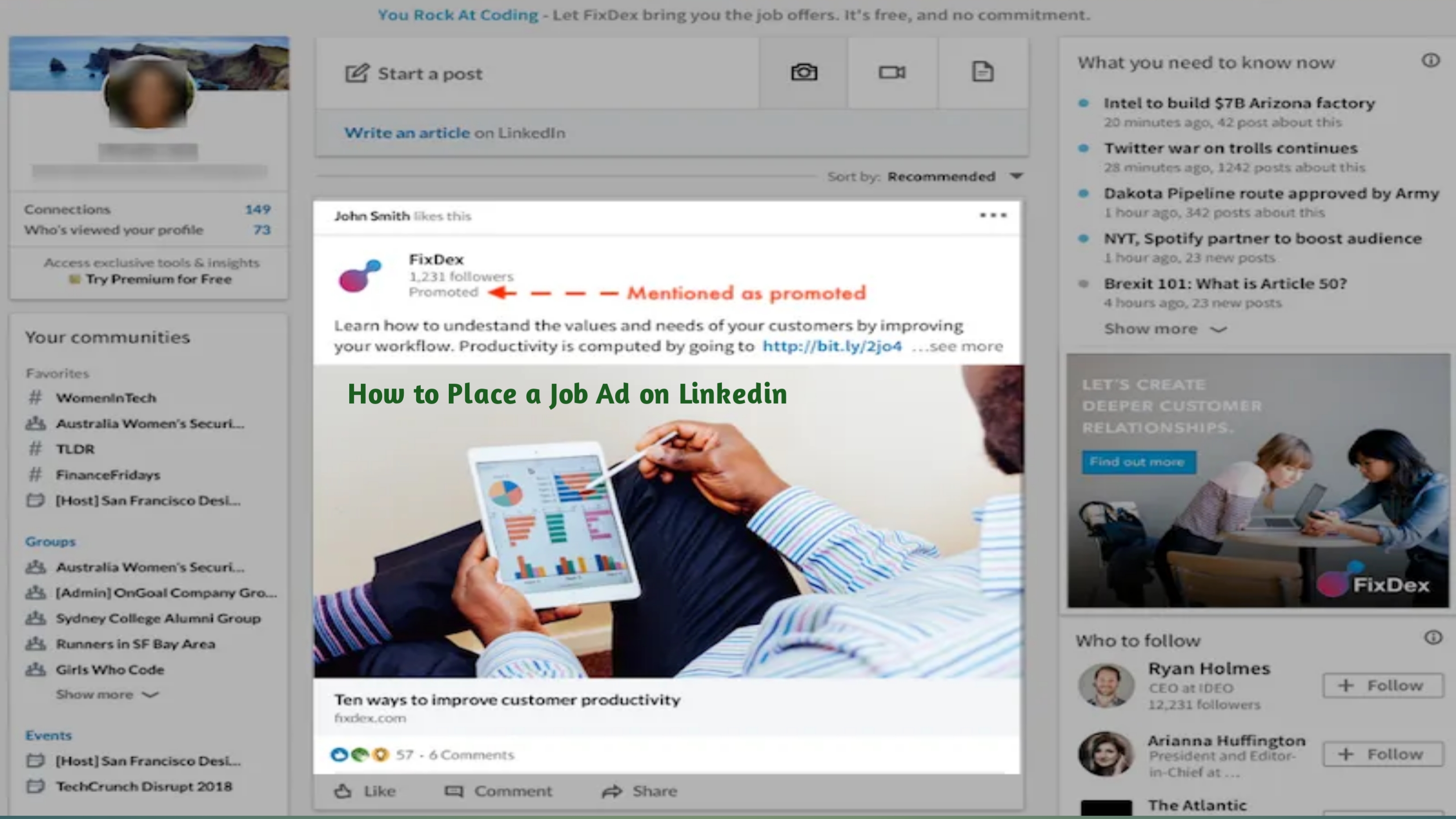
How to Place a Job Ad on Linkedin

How to Place a Job Ad on Linkedin


LinkedIn has emerged as one of the most powerful platforms for recruitment, connecting professionals with job opportunities worldwide. With its extensive user base and sophisticated targeting options, LinkedIn offers employers an effective way to reach qualified candidates. Placing a job ad on LinkedIn involves several steps, from crafting a compelling job description to optimizing your ad for maximum visibility. In this guide, we'll walk you through the process of placing a job ad on LinkedIn, covering everything from creating your ad to managing applications.


  1. 1. Define Your Job Requirements: Before you start creating your job ad on LinkedIn, it's essential to clearly define the role you're hiring for. Determine the job title, responsibilities, required qualifications, and any other relevant details. Having a clear understanding of your requirements will help you create a targeted and compelling job ad.


  2. 2. Navigate to LinkedIn's Hiring Solutions: To place a job ad on LinkedIn, you'll need to access LinkedIn's hiring solutions. Log in to your LinkedIn account, and navigate to the "Hiring" tab at the top of the page. From there, select "Post a Job" to begin creating your job ad.


  3. 3. Craft Your Job Description: The job description is the heart of your job ad. It should provide potential candidates with a clear understanding of the role and what you're looking for in an ideal candidate. Use concise language and bullet points to highlight key responsibilities, qualifications, and any other relevant information. Be sure to include details such as job title, location, company overview, responsibilities, qualifications, and any perks or benefits.


  4. 4. Choose Your Target Audience: LinkedIn offers advanced targeting options that allow you to reach specific audiences based on factors such as location, industry, experience level, skills, and more. Consider who your ideal candidate is and use LinkedIn's targeting options to ensure your job ad reaches the right audience.


  5. 5. Set Your Budget and Duration: LinkedIn's job ads are typically priced on a pay-per-click or pay-per-job basis. Set your budget based on how much you're willing to spend and choose the duration for your job ad. Keep in mind that longer durations may result in higher costs but can also increase the visibility of your ad.


  6. 6. Optimize Your Job Ad for Visibility: To maximize the effectiveness of your job ad, it's important to optimize it for visibility. Use relevant keywords in your job title and description to improve the chances of your ad appearing in search results. Additionally, consider adding visual elements such as images or videos to make your ad stand out.


  7. 7. Review and Publish Your Job Ad: Before publishing your job ad, take the time to review it carefully for any errors or inconsistencies. Once you're satisfied with the content, click "Publish" to make your job ad live on LinkedIn. Remember to monitor the performance of your ad regularly and make any necessary adjustments to ensure optimal results.


  8. 8. Manage Applications and Communicate with Candidates: As candidates start applying to your job ad, it's important to manage applications promptly and communicate with candidates in a timely manner. Use LinkedIn's messaging features to reach out to candidates, schedule interviews, and keep them updated throughout the hiring process.


How to Place a Job Ad on Linkedin


Labels: ,